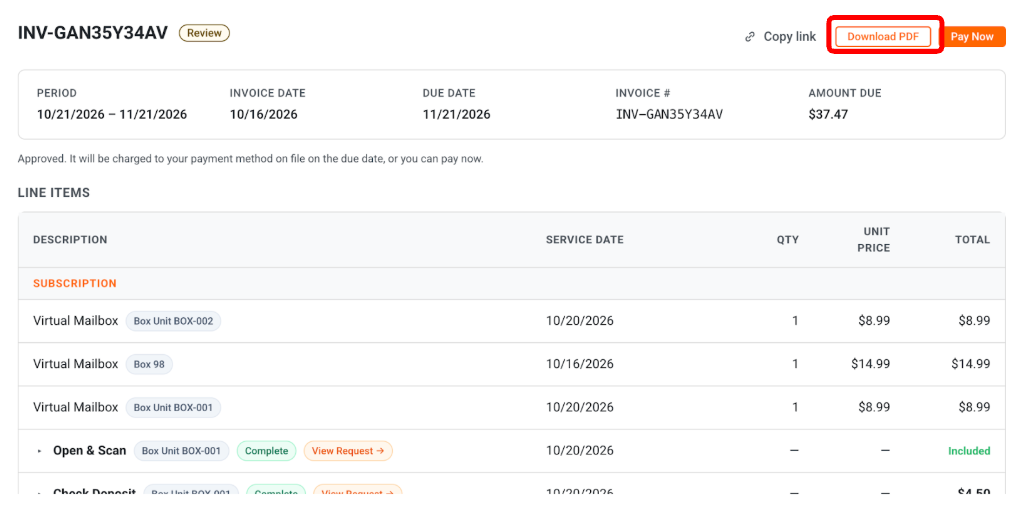
If you want to track your expenses or download copies of your past statements, you can access your complete invoice history directly in your Customer Portal. Follow the steps below to find and download your invoices.
Steps to View Invoices
Log in to your Customer Portal.
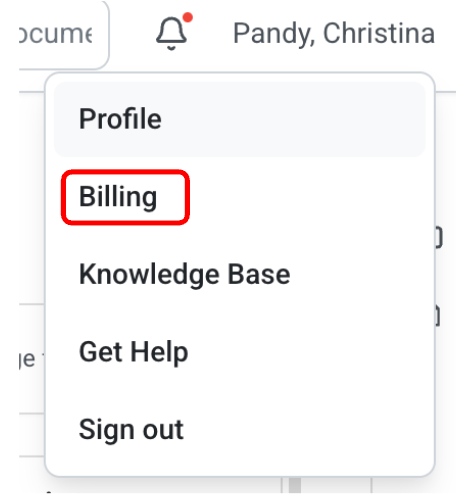
Click your Name in the top-right corner of the dashboard and select Billing.
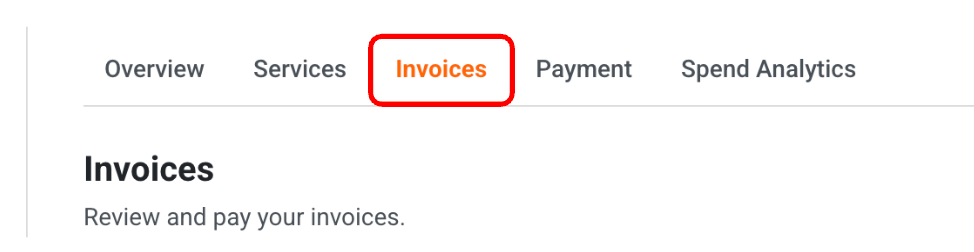
Click the Invoices tab.
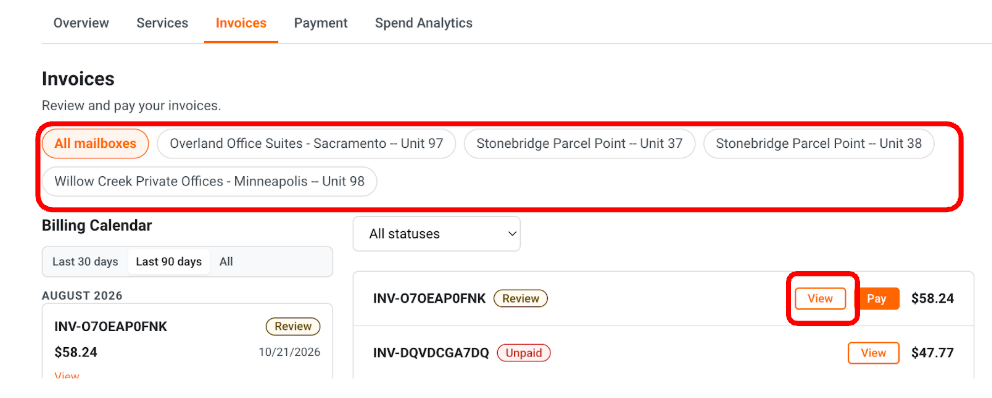
If you have more than one mailbox, select your location from the filter menu.
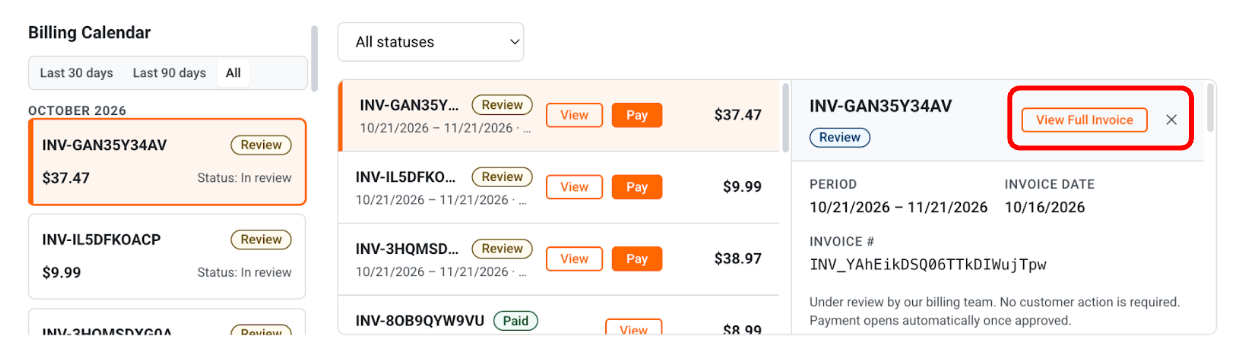
Find the invoice you wish to review and click View to see the detailed charge breakdown.
A panel will appear on the right side of your screen. From there, click View Full Invoice to display the complete invoice details.
You can also download your invoice by clicking Download PDF once you view the full invoice.