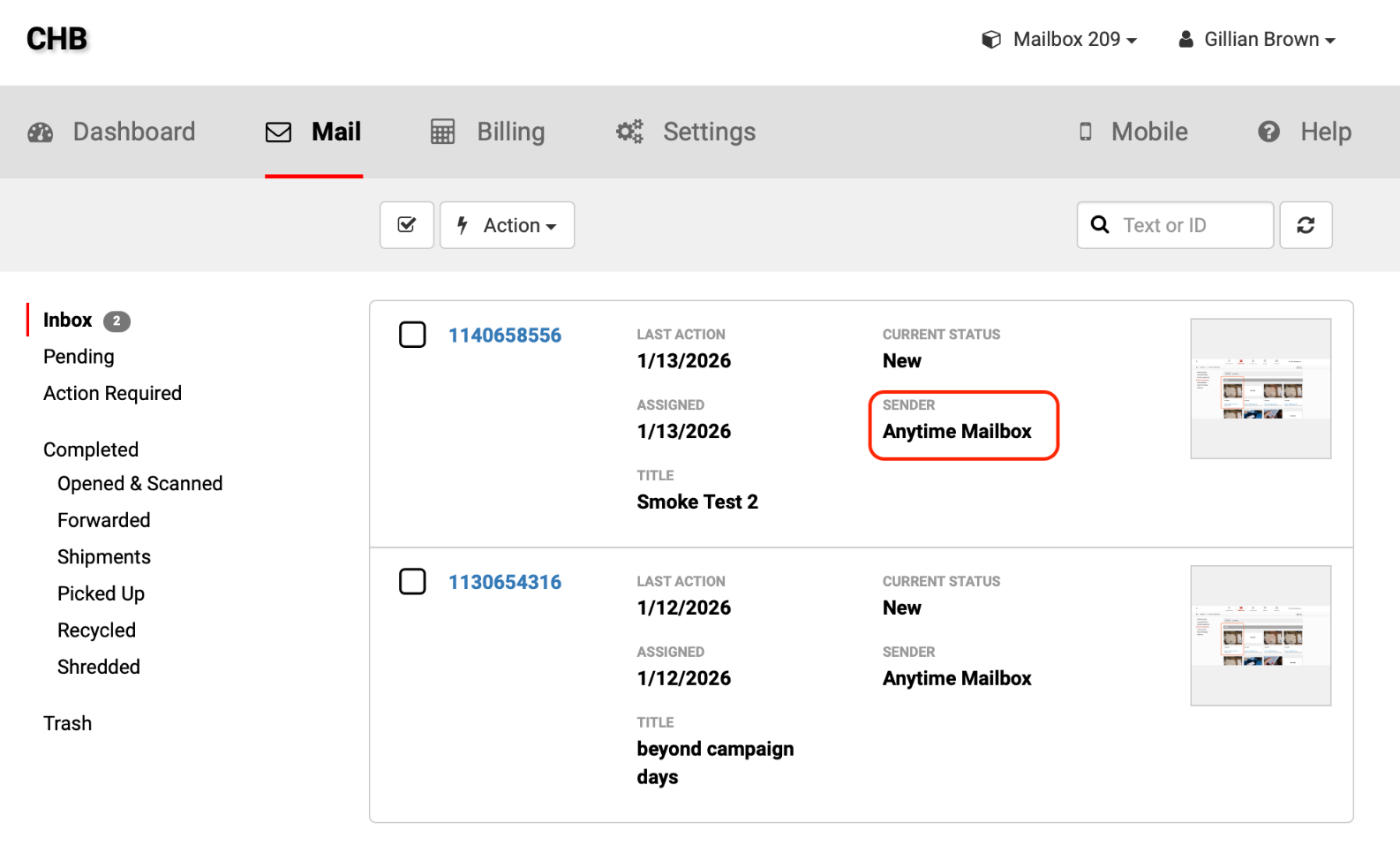
From time to time, you may see mail in your inbox from Anytime Mailbox. These are designed to help you get started, understand how your inbox works, and keep you informed about important updates, features, or announcements.
These items look similar to regular mail in your virtual mailbox so you can experience how your inbox works in real time.
Important Note:
These mail items are not billable. They do not count toward your service plan limits or storage.
They are for educational purposes and information only.
How It Works
When mail is added to your inbox from Anytime Mailbox, you will receive notifications via email, SMS, or in-app alerts, just like regular mail.
If your account is not yet verified, you’ll need to complete verification before viewing your mail.
Once verified, you can open and review the mail directly from your inbox.
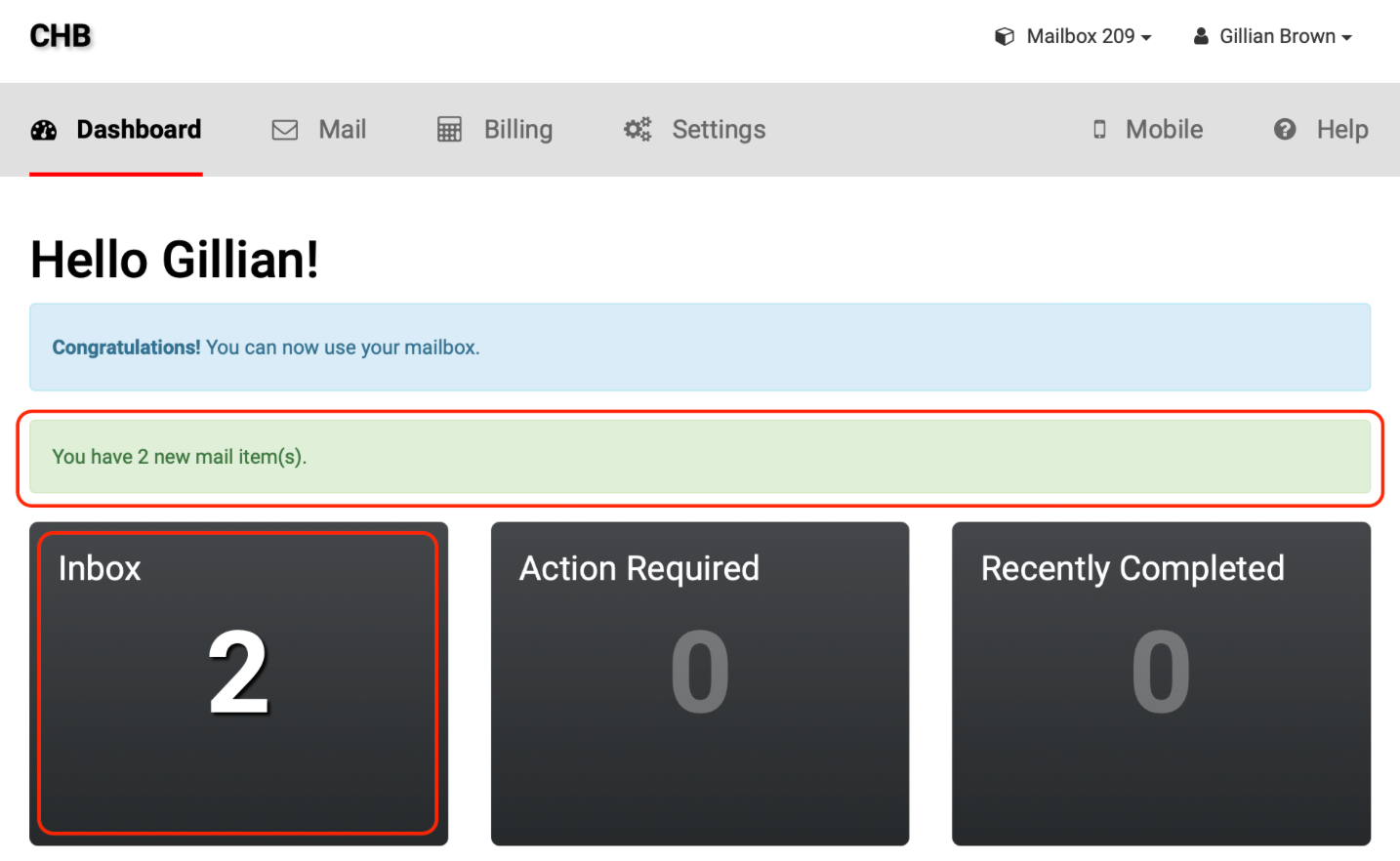
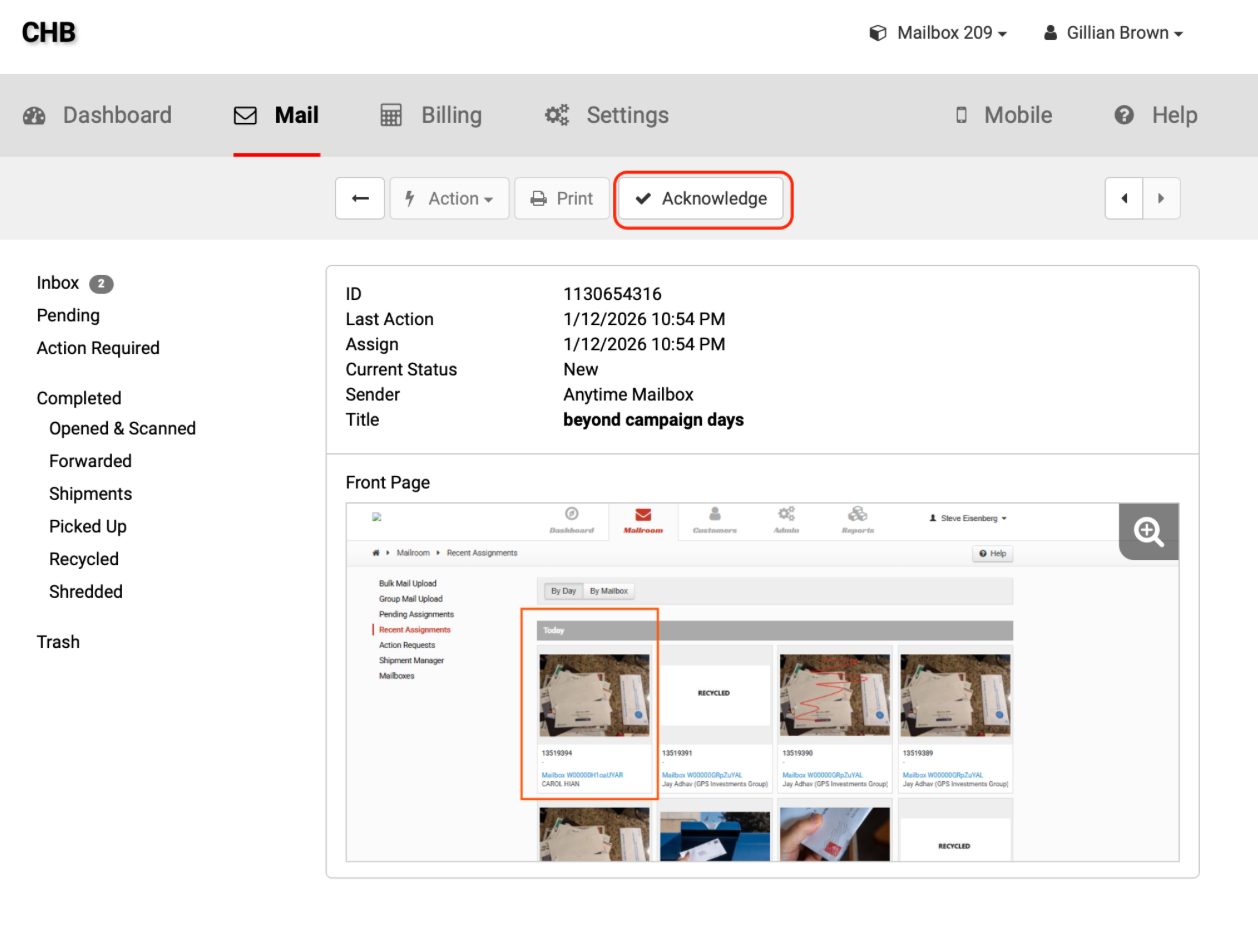
After reviewing the mail, simply Acknowledge it to remove it from your inbox and continue managing your mail as usual.
Note:
You’ll need to acknowledge these types of mail items individually before taking action on other mail. If one is included in a bulk selection, the Action button will not work.
How to Identify These Mail Items from Anytime Mailbox
You can identify these mail items by checking the sender. They will come from Anytime Mailbox.