
Important Address Usage & Limitation
An Anytime Mailbox address may be used as a business mailing address (for instance, on your website, business cards, or collateral).
Your virtual mailbox address is not a physical office location, staffed reception, or in-person representation service.
If you require registered agent services, this is not automatically included. Registered agent availability must be arranged directly with your specific mail center location.
If you originally set up your virtual mailbox for personal use but now need to use it for business purposes, you can easily make this adjustment. Here’s how:
1. Updating Your USPS 1583 Form (For Unverified Accounts)
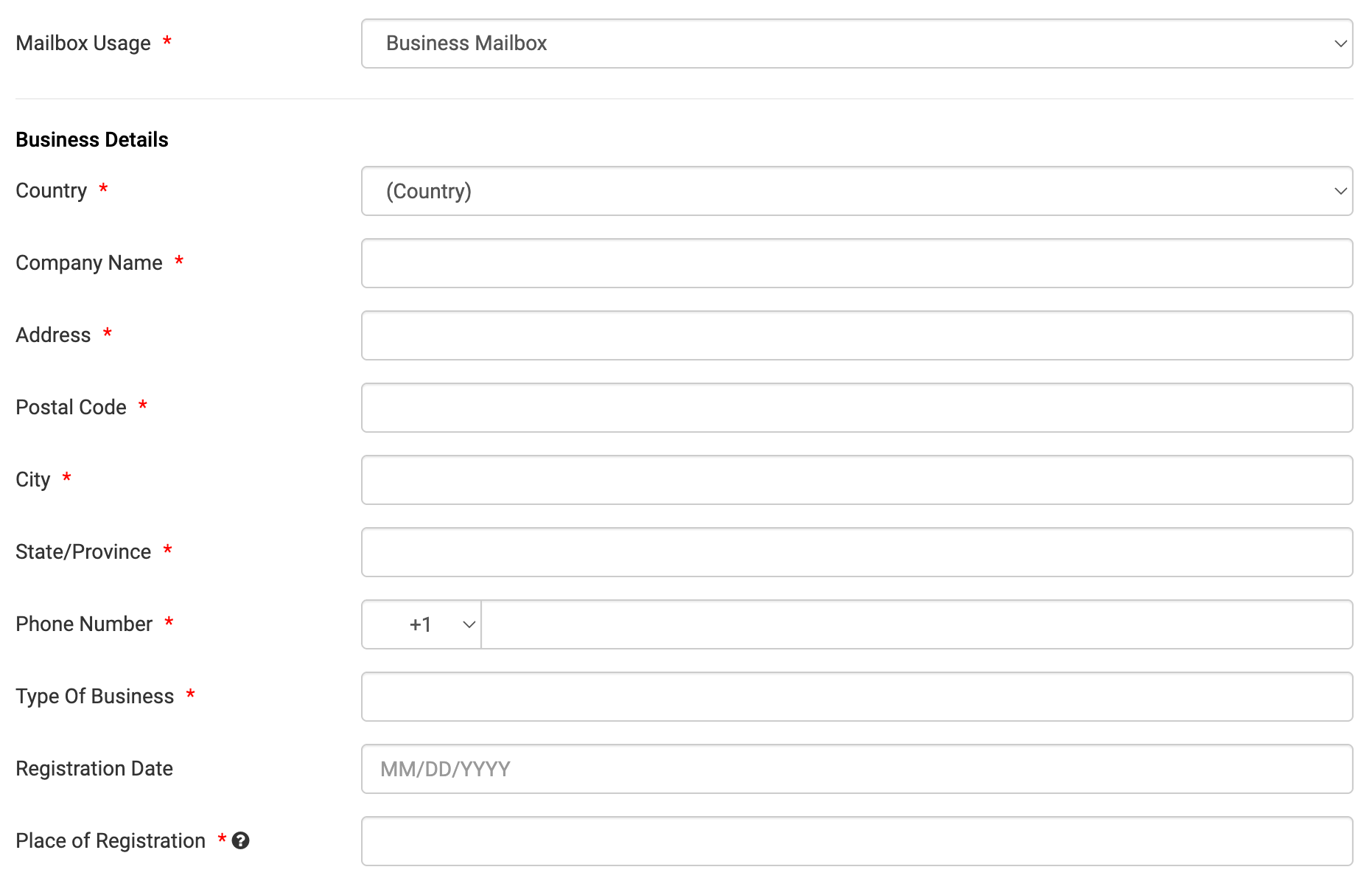
If your account has not yet been verified, you can update your mailbox's purpose during the verification process. During verification, aside from entering your information, you will also be asked your mailbox’s usage. You can then select business then add your business information.

Please note: If you select Business Mailbox, additional fields will appear requesting business details such as your company name and business address. If you don’t have a separate business address, you may use your home address instead. However, this cannot be the same as the mailbox address you’re signing up for.
2. Adding Your Business as an Authorized Recipient (For Verified Accounts)
If your account is already verified, you don’t need to make major changes. Instead, you can add your business as an authorized recipient. This will allow your mail center to accept and process mail addressed to your business. You may follow this step-by-step guide on how to add an authorized recipient to your account.
Business functionality is handled strictly through authorized recipient names for incoming mail. It does not grant separate, role-based account logins or sub-account access/multi user access to other users.
If you stop operating a business or no longer wish to receive mail under a specific name, you can remove or edit the company/recipient entry directly under Settings > Authorized Recipients > click on the Mailbox # > Delete in your portal.